
Turn your phone intoa payment terminal.
Accept contactless cards and supported mobile wallets with a compatible NFC-enabled phone. No separate terminal to buy, rent or carry.
No terminal rental. No monthly fee. Product and device availability vary by market.
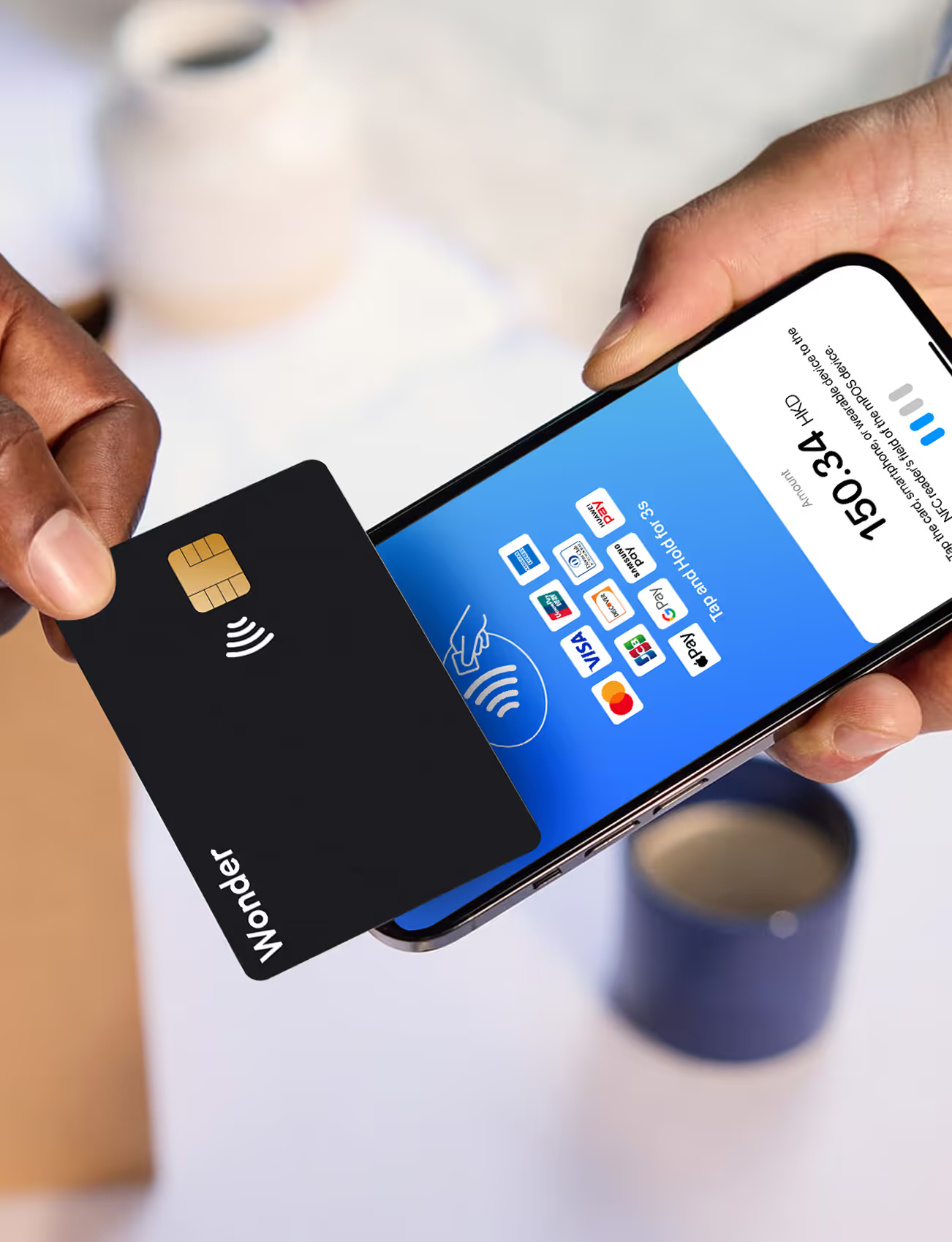
A lightweight way to accept a tap.
Built for merchants who move — and for teams who want more checkout capacity without more hardware.
No extra hardware to carry
A compatible NFC-enabled phone is the terminal. Nothing new to buy, rent or replace.
No terminal rental fees
Skip monthly rental. Product and pricing availability vary by market and merchant setup.
Built into the Wonder ecosystem
Transactions flow into the same Wonder App and Dashboard used across your business.
Accept a tap with the phone already in your hand.
Enter the amount, ask the customer to tap a contactless card or supported mobile wallet, then receive payment confirmation on screen — no extra reader in the way.
Highlights
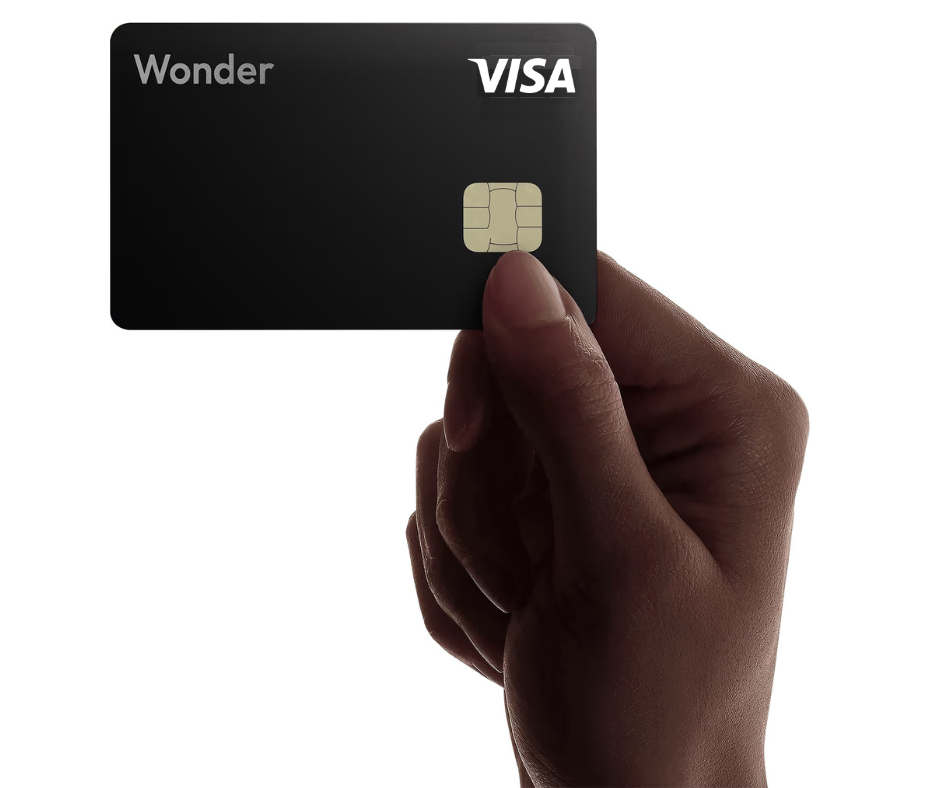
Bring checkout to the customer.
Wonder SoftPOS works best where a fixed counter or dedicated terminal does not fit the way you operate — on the move, in the field, or as extra capacity at busy moments.
Highlights
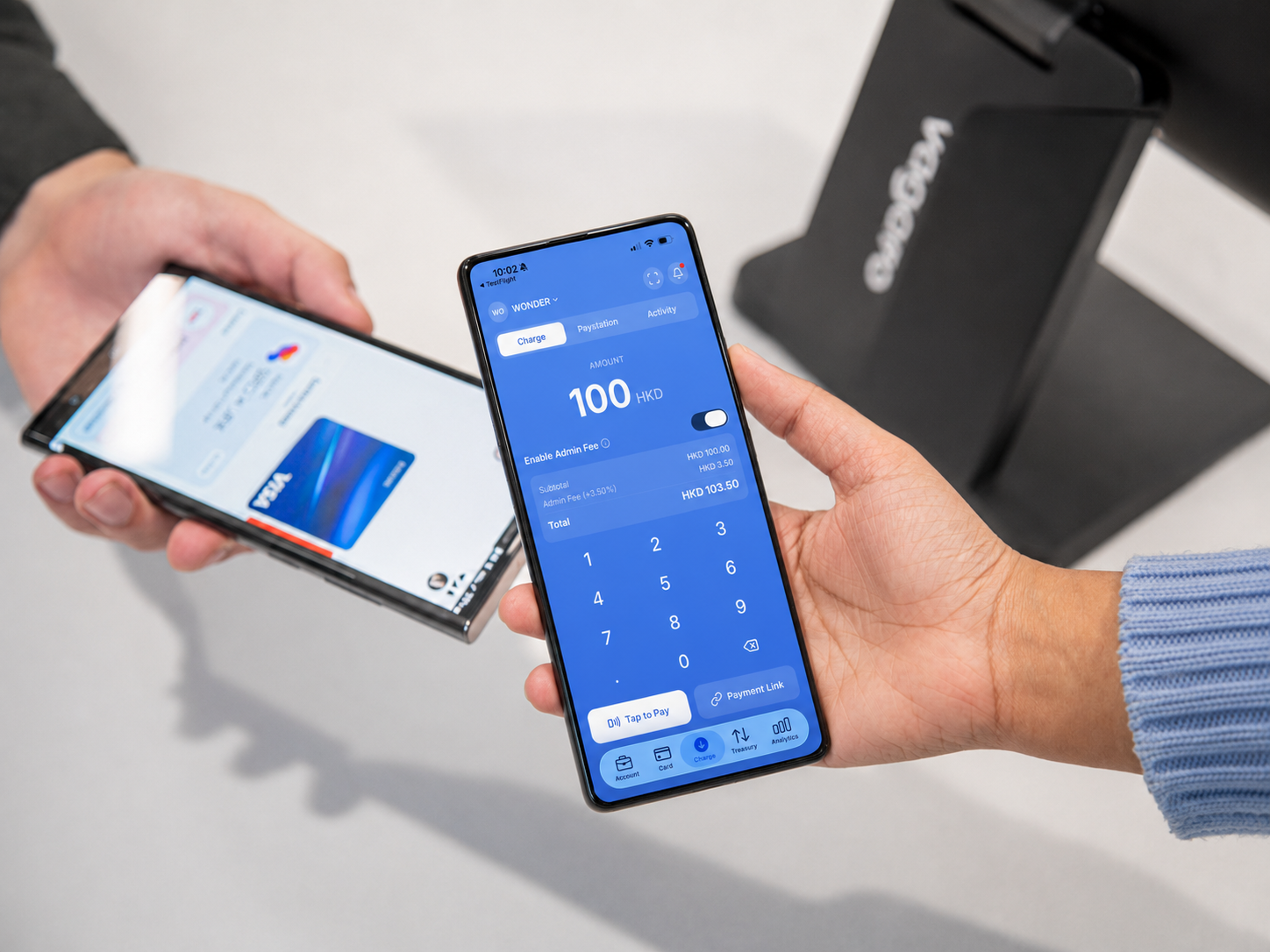
From amount to approved in three simple steps.
The payment journey is designed to be clear for both the merchant and the customer — no manuals, no cables, no learning curve.
Enter the amount
Open Wonder, key in the total and confirm the payment request.
Customer taps to pay
They hold a supported card or mobile wallet near your phone.
Payment is confirmed
Review the result and provide a digital receipt where configured.
Highlights
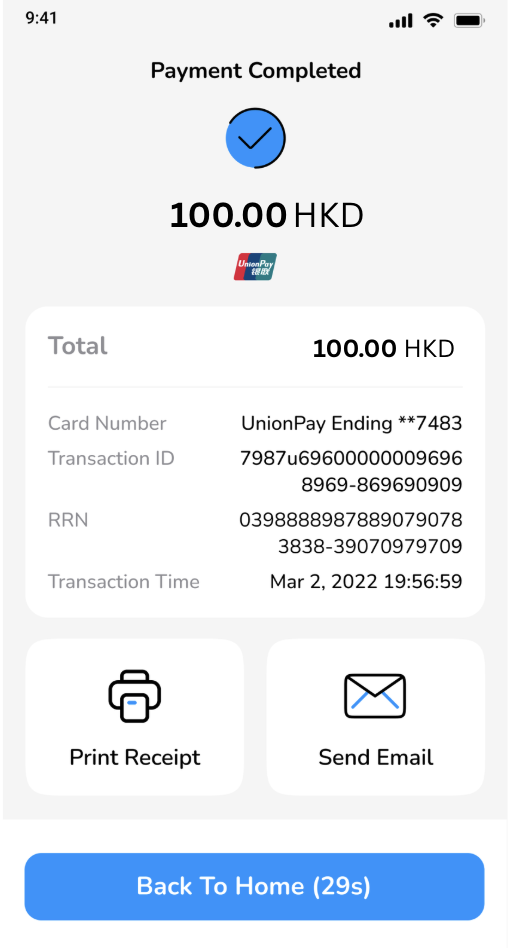
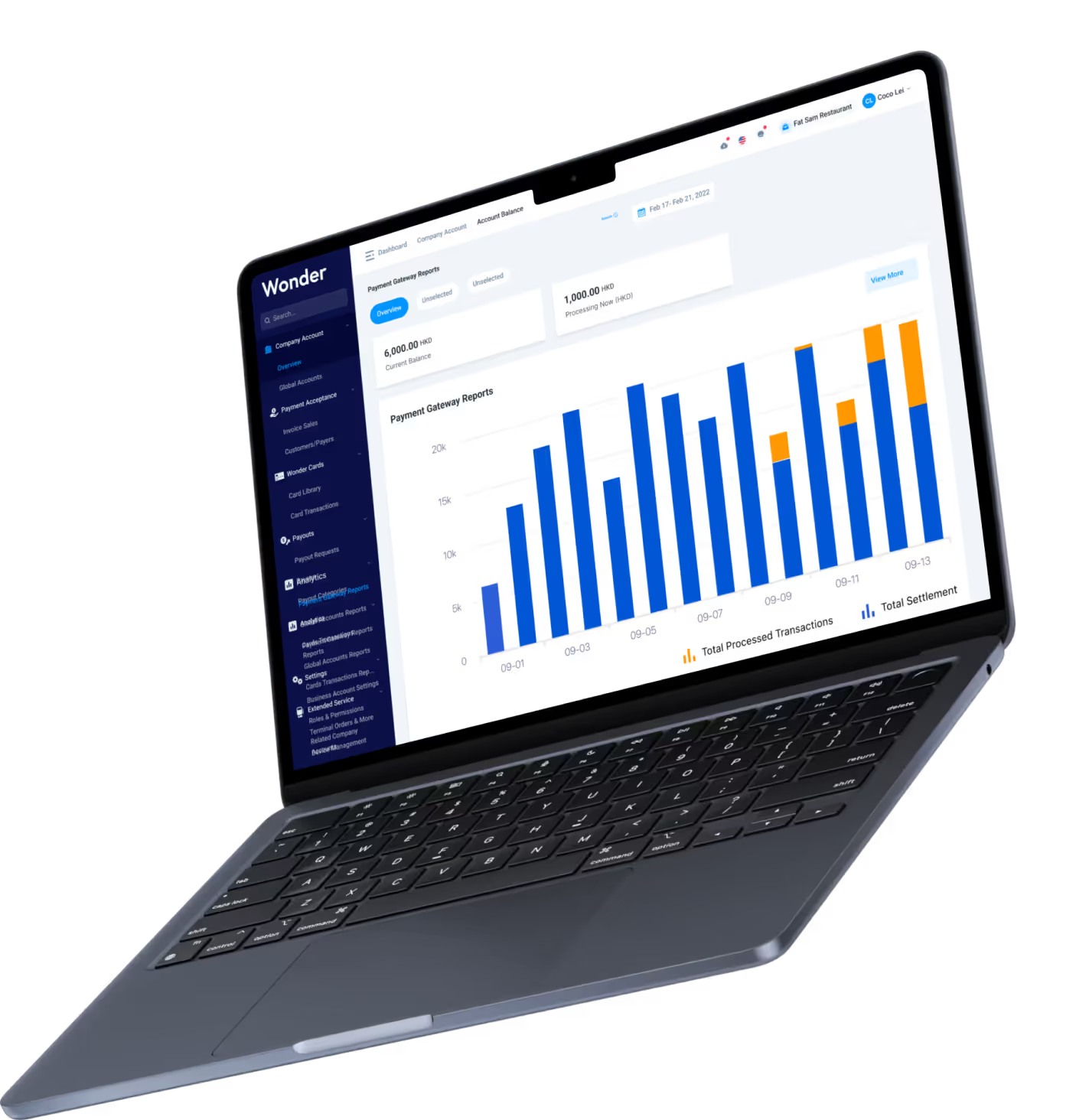
Manage mobile payments in the same Wonder view.
Track transaction activity through Wonder App and Dashboard, so SoftPOS does not become another disconnected payment tool sitting outside your books.
Highlights
Start without buying another payment device.
Tell us how you operate, complete the required onboarding and activate the compatible phone setup confirmed for your market.
Tell us about your business
Share how and where you operate so we can match the right SoftPOS setup.
Complete onboarding
Finish the required identity and business verification digitally.
Confirm compatibility
We confirm the supported phone and operating-system requirements for your market.
Activate and accept taps
Sign in on your device and take your first contactless payment.
Highlights
SoftPOS or a dedicated terminal?
Both connect into Wonder. Choose based on where you sell, how many people take payments and whether you need dedicated hardware.
Wonder SoftPOS
Phone as terminal
- Hardware
- Compatible phone
- Portability
- Highest
- Typical use
- On the move or extra checkout
- Receipt
- Digital where configured
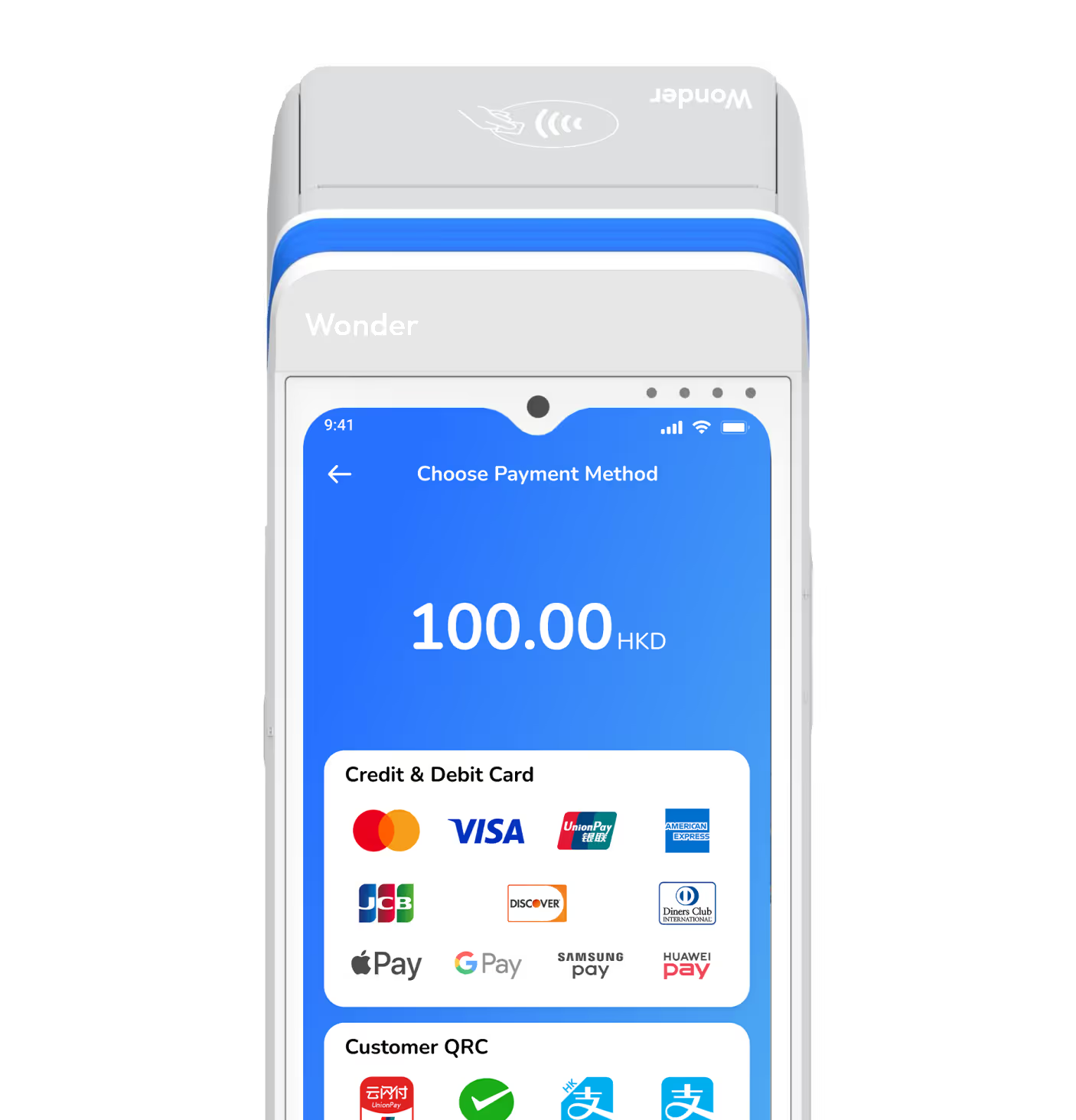
Wonder Terminal
Dedicated device
- Hardware
- Dedicated terminal
- Portability
- Portable device
- Typical use
- Counter or staff-operated checkout
- Receipt
- Printer and digital options
Common questions about Wonder SoftPOS.
Put contactless payment in your pocket.
Start with your business type and compatible device, and let Wonder confirm the right SoftPOS setup.